Announcements
What's new in Osintly: intelligence tools and team workspaces
Explore Domain and IP Intelligence, free search previews, organization workspaces, shared history, and updated Personal and API plans.
By OsintlyRead
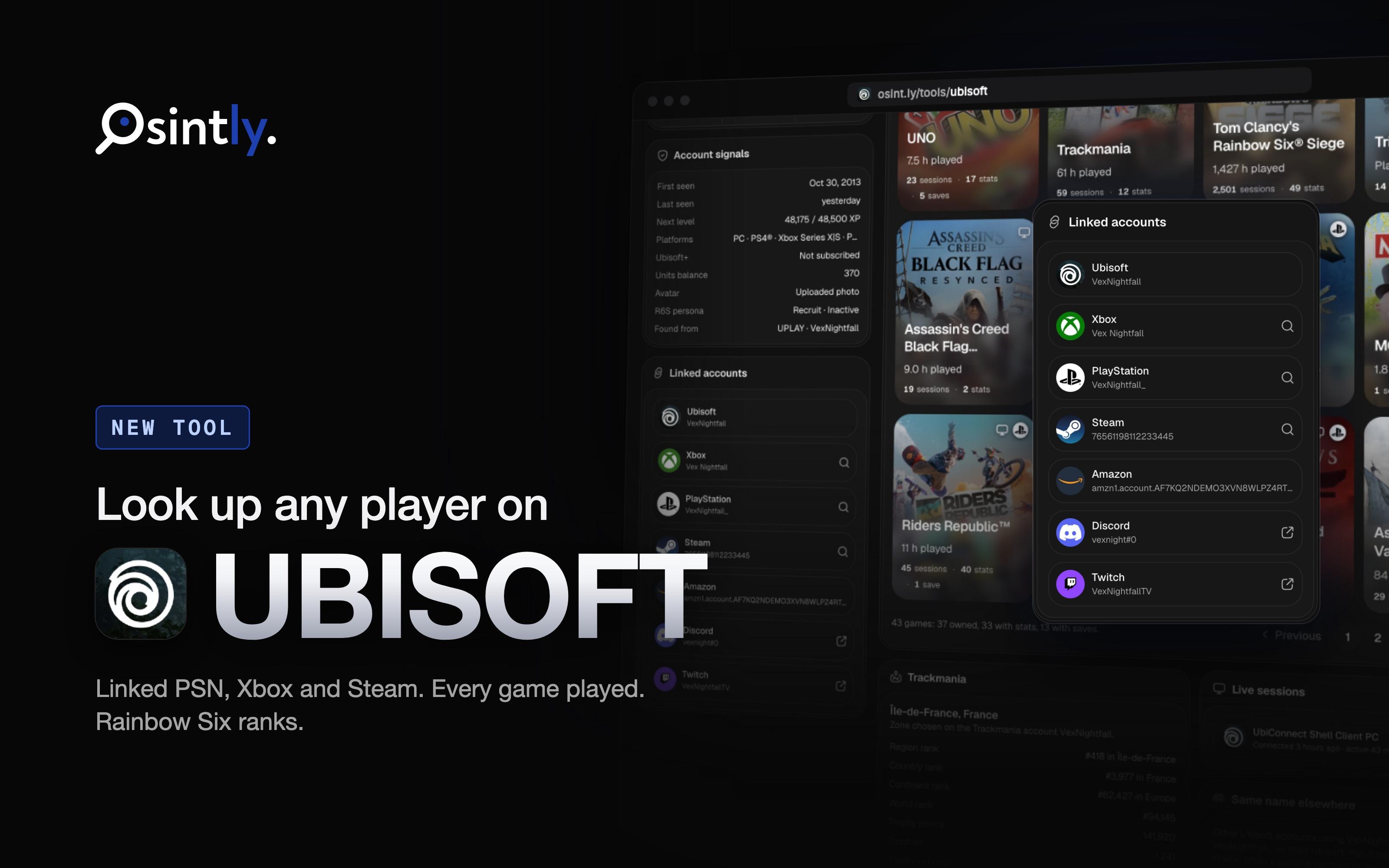
Ubisoft Player Search is live on Osintly. Enter a Ubisoft Connect name, a Ubisoft ID, or an account linked to Ubisoft on PlayStation, Xbox, Steam, Discord or Epic Games, and you get the Ubisoft account behind it with what Ubisoft makes visible about it.
It joins our other gaming tools (Xbox, PlayStation, Steam, Epic Games, Roblox and Social Club). You can use it for free in the browser, and it's also available through the Osintly API.
The screenshots below come from a real result. We replaced the player's names, IDs, region and avatar so the account can't be identified.
Only investigate accounts when you have a lawful purpose and appropriate authorization. Treat public profile data as evidence to verify, not as automatic real-world attribution.
Many players link their Ubisoft Connect account to a console or PC platform. That makes Ubisoft a useful pivot: a PSN Online ID or an Xbox gamertag you already have can lead to the Ubisoft account, and from there to every other platform linked to it.
| Search type | What to enter |
|---|---|
| Ubisoft name | The Ubisoft Connect display name |
| Ubisoft ID | The 36-character account ID |
| PlayStation | A PSN Online ID or numeric account ID |
| Xbox | A gamertag or a 16-digit XUID |
| Steam | A SteamID64 or a steamcommunity.com/profiles link |
| Discord | A Discord username or numeric user ID |
| Epic Games | A 32-character Epic account ID |
The top of a result shows the name, the Ubisoft ID, the avatar, the level and XP, the online status and the game being played right now. Four counters sum up the account: level, games owned, total play time and sessions.
The linked accounts card lists every platform Ubisoft knows about, such as PlayStation, Xbox, Steam, Discord, Twitch, Epic Games and Amazon, with the name or ID used on each. PlayStation, Xbox and Steam rows open the matching Osintly tool, so you can continue the investigation on that platform in one click.
The account signals card adds context that is easy to miss:
The games grid shows each title with its cover, play time, sessions and the platforms it was played on. You can filter by platform, or show only owned games, games with stats or games with saves.
Open a game to see the full record:
For Siege players, a dedicated card shows the clearance level, time played and persona, then the current ranked season: rank and RP, best rank, wins and losses, and kills and deaths.
Three more cards help you go further:
Ubisoft does not expose the country, age, creation date, friends or achievements of other accounts. A region is only available through Trackmania, for players who set a zone there. First seen comes from the oldest recorded session, so treat it as an approximation of when the account started playing, not as its creation date.
The same data is available through the Tools API, one route per part:
| Route | Cost | Returns |
|---|---|---|
POST /tools/ubisoft/search | Free | Validates and normalizes the input |
POST /tools/ubisoft/resolve | 1 credit | Ubisoft ID, name and linked platform profiles |
POST /tools/ubisoft/profile | 1 credit | Name, avatar, level, XP, status, owned games |
POST /tools/ubisoft/linked-accounts | 1 credit | Every linked platform |
POST /tools/ubisoft/games | 1 credit | Played applications with sessions and dates |
POST /tools/ubisoft/r6 | 1 credit | Siege persona, clearance and season ranks |
POST /tools/ubisoft/all | 3 credits | Everything above plus library, stats, saves, presence, Units, Trackmania and namesakes |
curl -X POST "https://api.osint.ly/tools/ubisoft/all" \
  -H "Authorization: Bearer $OSINTLY_API_KEY" \
  -H "Content-Type: application/json" \
  -d '{ "value": "SomeOnlineId", "type": "psn" }'
If one part of /all fails, the response keeps the other parts and lists the missing ones in partialErrors. Keep your API key on your backend and see the Ubisoft reference for every search type and field.
Open Ubisoft Player Search, pick a search type and enter a name or ID. For integrations, start with the Tools API introduction and the API plans.
On this page
Osintly
The Osintly Team
Specialist in open source intelligence and digital investigations.
Announcements
Explore Domain and IP Intelligence, free search previews, organization workspaces, shared history, and updated Personal and API plans.
Announcements
We now have two major gaming tools live on Osintly, Epic Games and Xbox. Here's why that matters more than it looks.
Announcements
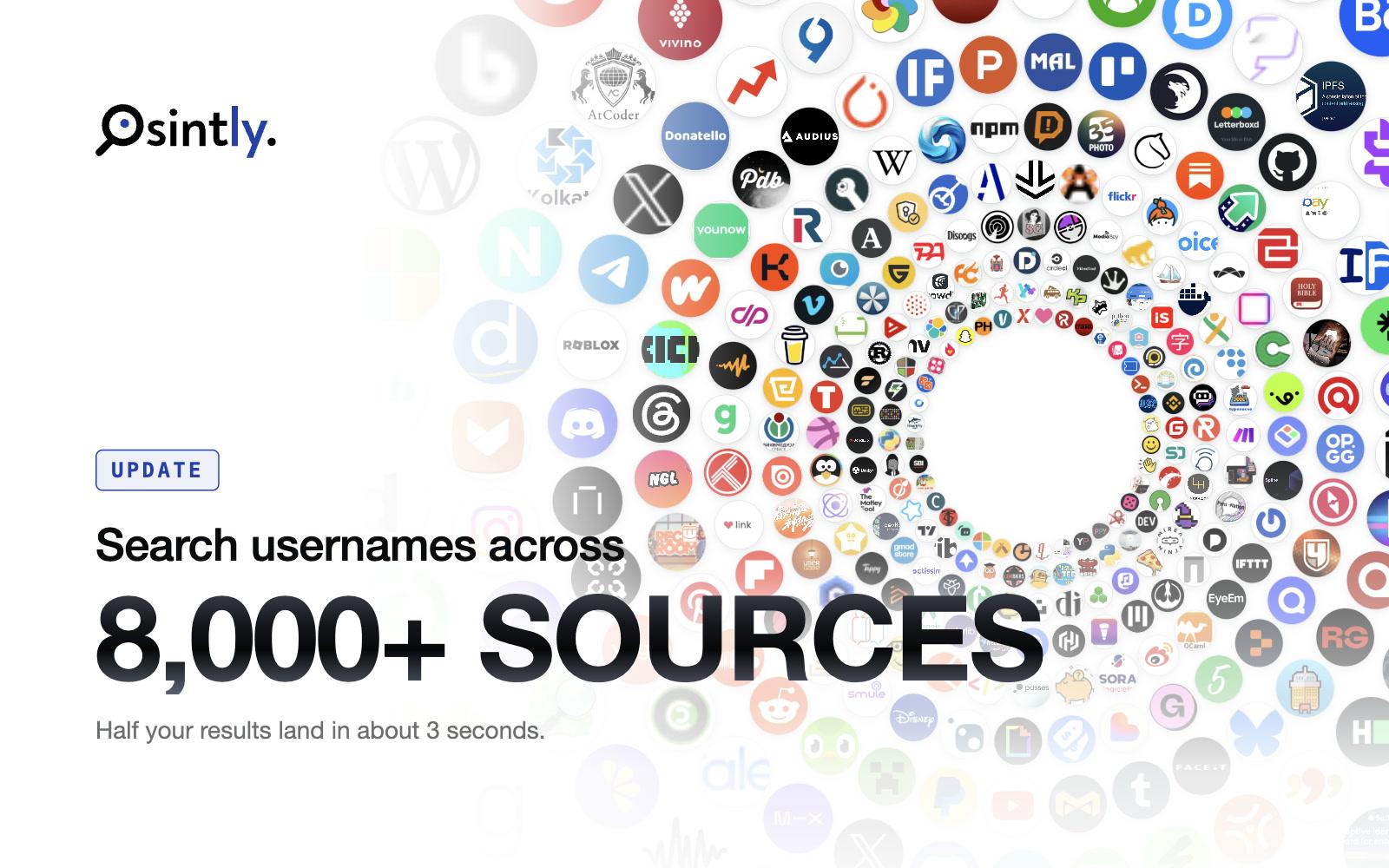
Osintly username search now checks 8,000+ sources, with 5,500+ new modules across Mastodon, PeerTube, Lemmy, Pixelfed and forums, and faster searches.
Announcements
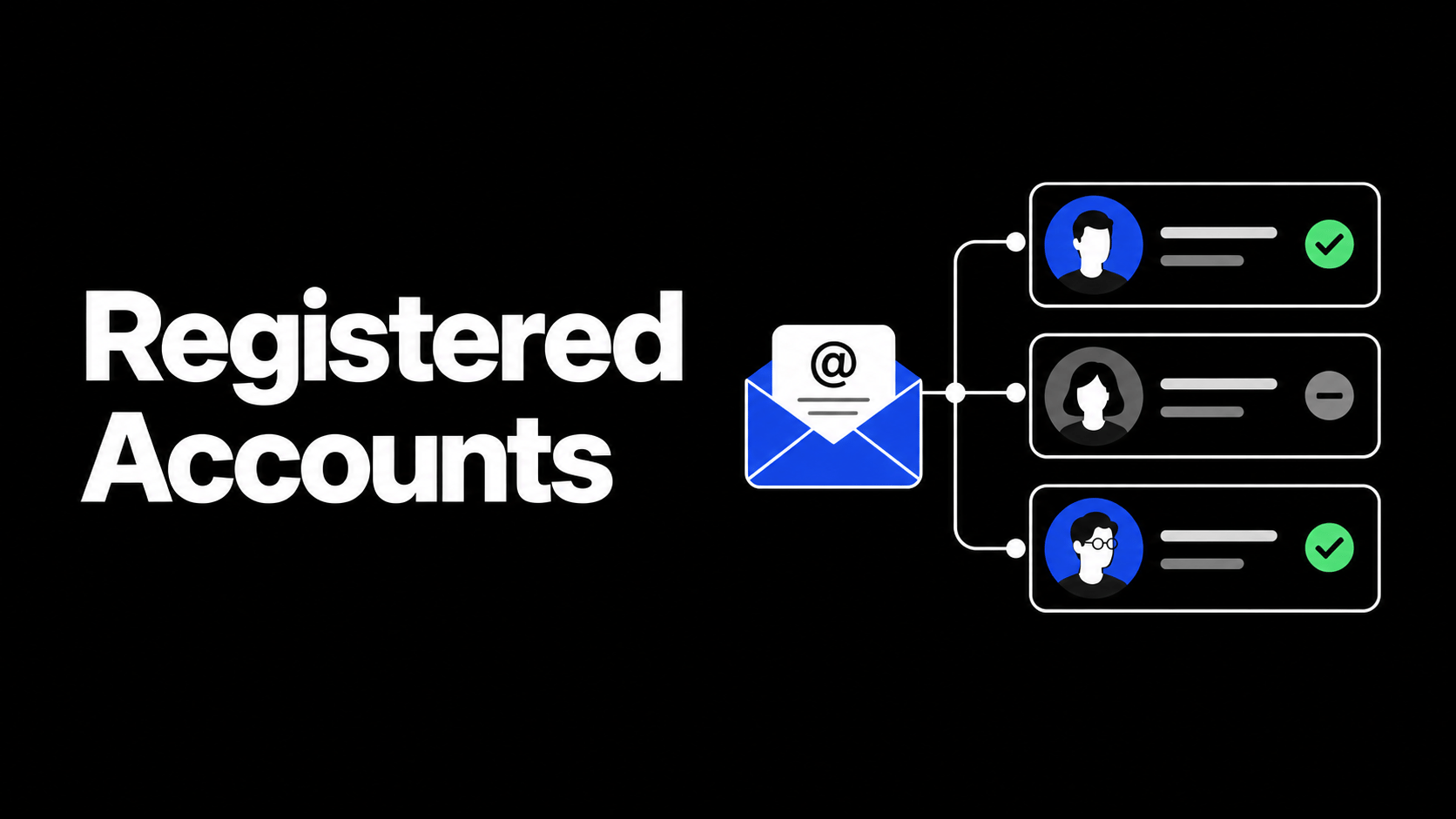
Registered Accounts now groups services by category, shows clear registered or not-found statuses, adds filters, and includes a deletion guide for every service we check.
1,550+ ready-to-use OSINT modules covering people, companies, domains, emails, and more.
Everything you need to integrate Osintly into your workflow, from quick start to advanced APIs.
Connect with thousands of OSINT investigators. Share techniques, ask questions, collaborate.
Tutorials, case studies, and insights from our team of open source intelligence specialists.
1,550+ OSINT modules. AI analyst built-in. Real-time data. Everything you need in one place.