
Announcements
What's new in Osintly: intelligence tools and team workspaces
Explore Domain and IP Intelligence, free search previews, organization workspaces, shared history, and updated Personal and API plans.
By OsintlyRead
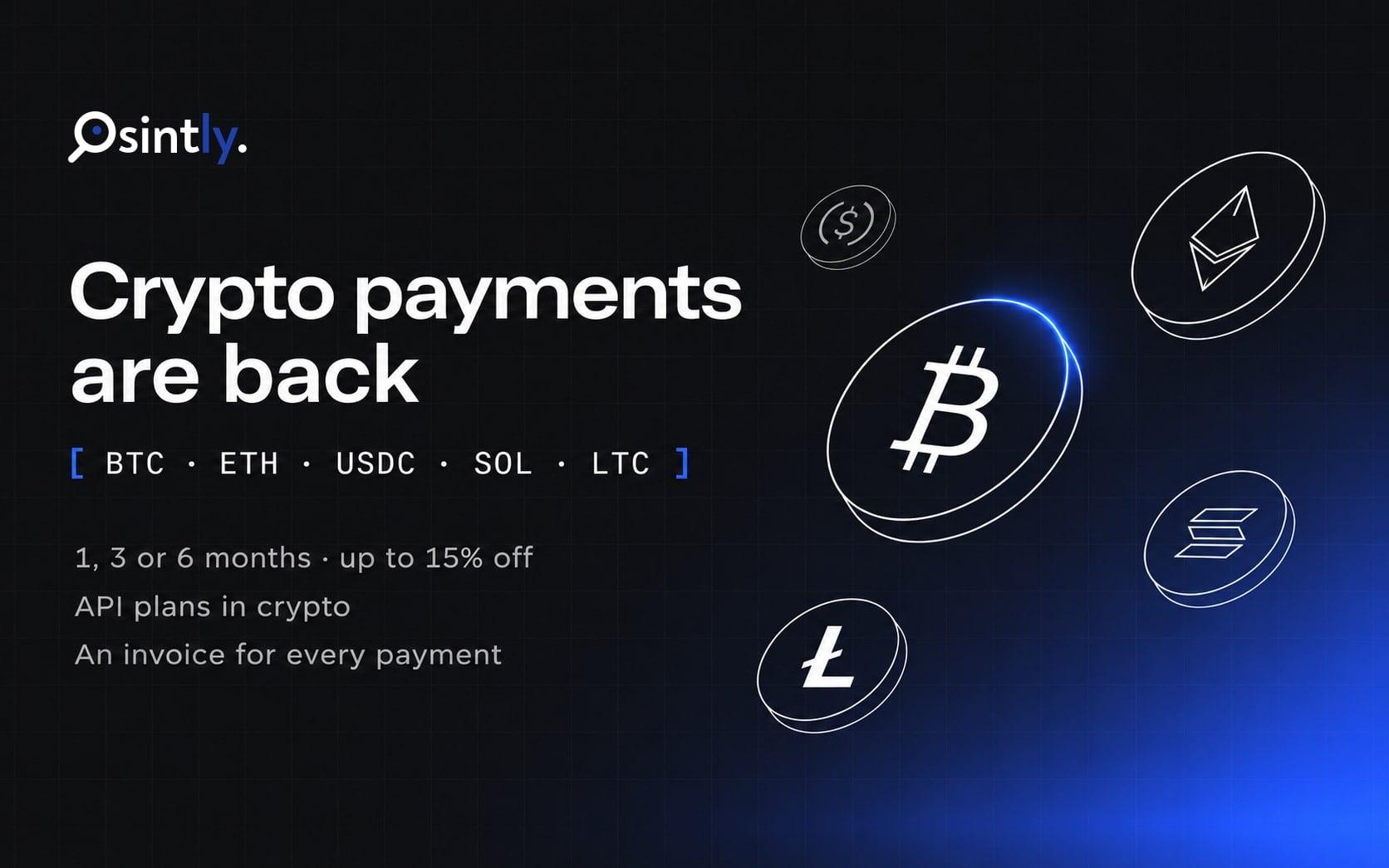
You can pay for Osintly in cryptocurrency again. Our previous crypto payment provider went offline, so crypto checkout was paused for a while. Crypto payments are now processed by CoinGate, a payment gateway operated by UAB "Decentralized" in Lithuania and authorised by the Bank of Lithuania under the EU Markets in Crypto-Assets Regulation (MiCA).
The new checkout also does more than the old one. You can prepay personal plans for longer periods, pay for API plans and credit packs, and every payment comes with an invoice.
| Product | What you get |
|---|---|
| Personal plans | Standard, Pro or Ultimate for 1, 3 or 6 months |
| API plans | Builder, Growth or Scale for 30 days, with optional data source add-ons |
| Credit packs | 25 to 600 credits that never expire |
Crypto checkout is available for personal accounts. Organization purchases still go through card payment.
Personal plans can now be prepaid for longer, with a discount:
| Plan | 1 month | 3 months (10% off) | 6 months (15% off) |
|---|---|---|---|
| Standard | €9.99 | €26.97 | €50.95 |
| Pro | €24.99 | €67.47 | €127.45 |
| Ultimate | €94.99 | €256.47 | €484.45 |
A 3-month period lasts 90 days and a 6-month period lasts 180 days. You get every credit included in the period as soon as the payment is confirmed: 3 months of Pro adds 300 credits right away.
This is new. API plans couldn't be paid in crypto before. Builder (€19), Growth (€49) and Scale (€249) now have a crypto option on the API pricing page, and you can add data sources such as Hudson Rock, Breach Base, LeakOsint, LeakCheck or Snusbase to the same payment.
A crypto API payment covers 30 days. Promo codes don't apply to crypto API checkout. To change your API plan or its add-ons, wait for the current period to end, then make a new payment with the new setup.
Every crypto payment now gets a proper invoice, marked as paid, with its PDF. You'll find invoices for plans and credit packs under Settings → Billing, and invoices for API plans in the Invoices tab of the API page.
Crypto payments don't renew automatically. Your billing page shows the plan with a Crypto badge and the date your access ends.
1. Pick your plan, period or credit pack, choose Cryptocurrency and continue.
2. On the CoinGate page, choose the asset and network. Bitcoin, Ethereum, USDC, Solana, Litecoin, XRP, Dogecoin and other assets are available, and you can also pay with Binance Pay or a connected wallet.
3. CoinGate asks for your name, country of residence, date of birth and email address. EU anti-money-laundering and Travel Rule requirements make this mandatory. You can let CoinGate remember these details for your next payment.
4. Send the exact amount shown before the timer runs out. Your plan or credits are delivered as soon as CoinGate confirms the payment. Select Back to merchant to return to Osintly.
If you send too little, or pay after the checkout expired, the order isn't completed and you can request a refund of what you sent from the CoinGate checkout page. If you send too much, the order goes through and you can request the excess back. Network and wallet fees are on your side, and blockchain transactions can't be reversed, so double check the network before you send.
The full rules are in the Cryptocurrency Payments section of our Terms of Service, and our Privacy Policy explains what CoinGate receives.
Open the pricing page, pick a plan and choose Cryptocurrency at checkout. For credits, go to Settings → Credits and select Pay. Questions about a crypto payment can go to contact@osint.ly.
On this page
Osintly
The Osintly Team
Specialist in open source intelligence and digital investigations.
Announcements
Explore Domain and IP Intelligence, free search previews, organization workspaces, shared history, and updated Personal and API plans.

Announcements
Look up a Ubisoft Connect account by name, Ubisoft ID, or a linked PlayStation, Xbox, Steam, Discord or Epic Games account, in the browser or through the API.
Announcements
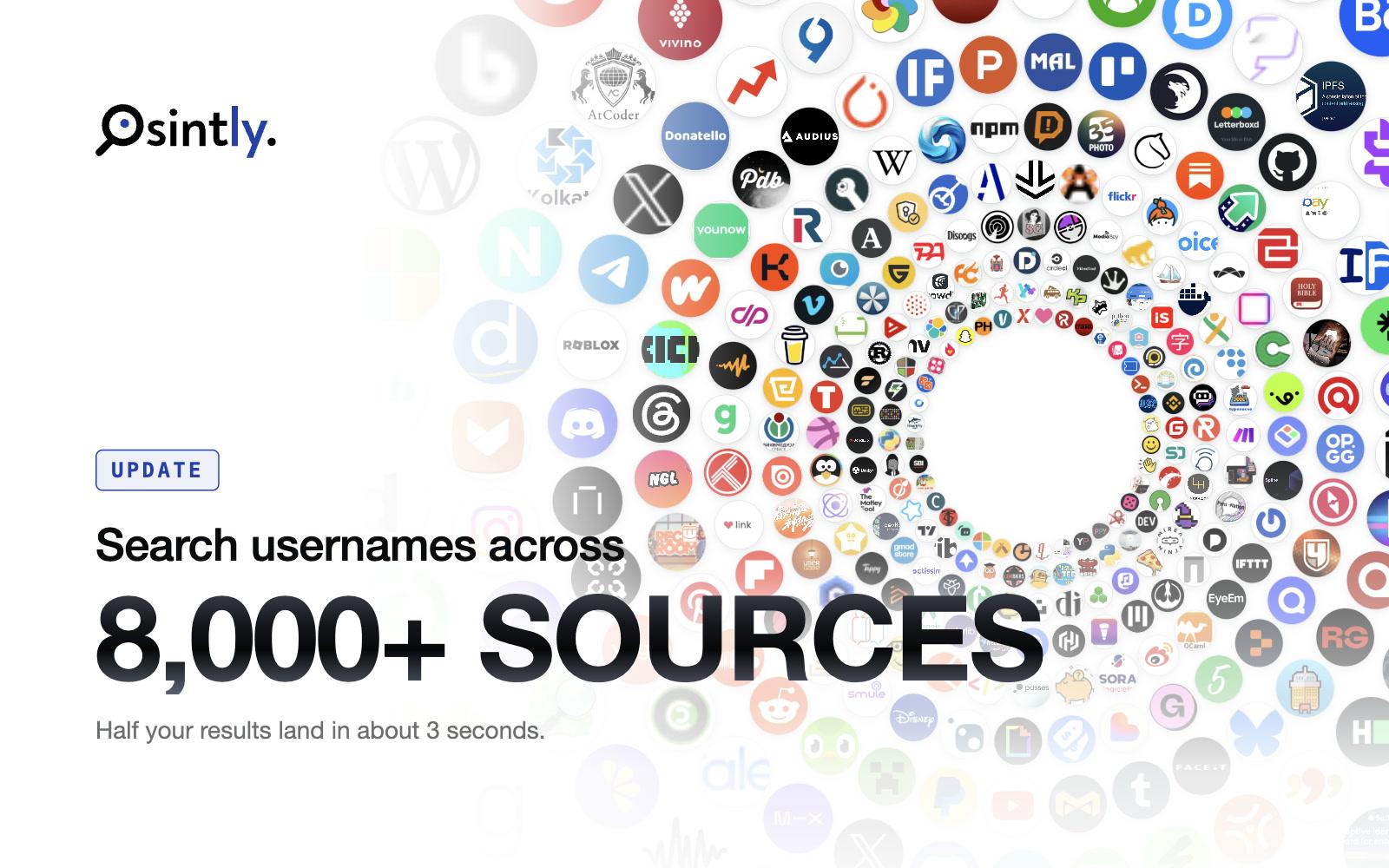
Osintly username search now checks 8,000+ sources, with 5,500+ new modules across Mastodon, PeerTube, Lemmy, Pixelfed and forums, and faster searches.
Announcements
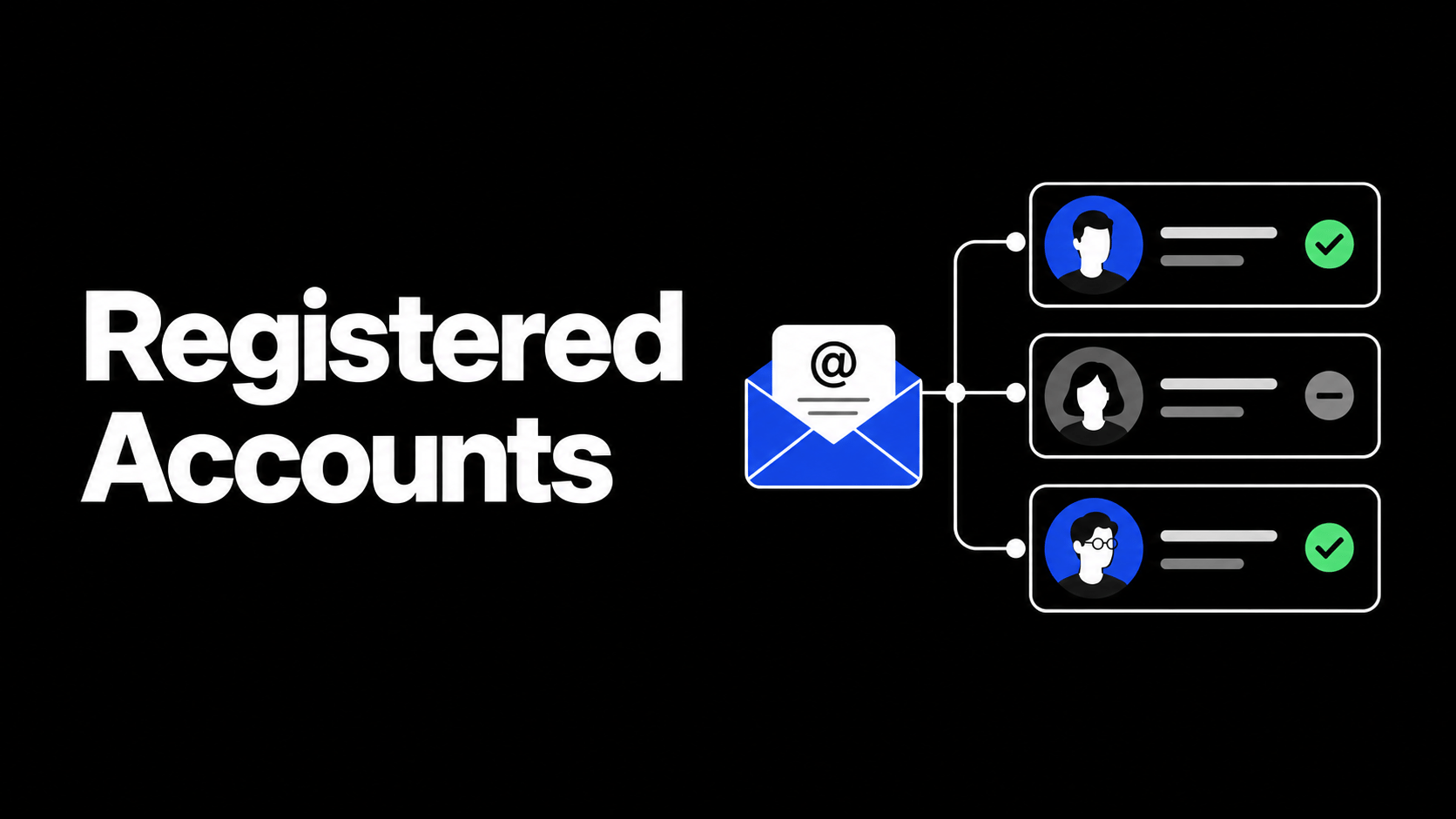
Registered Accounts now groups services by category, shows clear registered or not-found statuses, adds filters, and includes a deletion guide for every service we check.
1,550+ ready-to-use OSINT modules covering people, companies, domains, emails, and more.
Everything you need to integrate Osintly into your workflow, from quick start to advanced APIs.
Connect with thousands of OSINT investigators. Share techniques, ask questions, collaborate.
Tutorials, case studies, and insights from our team of open source intelligence specialists.
1,550+ OSINT modules. AI analyst built-in. Real-time data. Everything you need in one place.