
Announcements
What's new in Osintly: intelligence tools and team workspaces
Explore Domain and IP Intelligence, free search previews, organization workspaces, shared history, and updated Personal and API plans.
By OsintlyRead
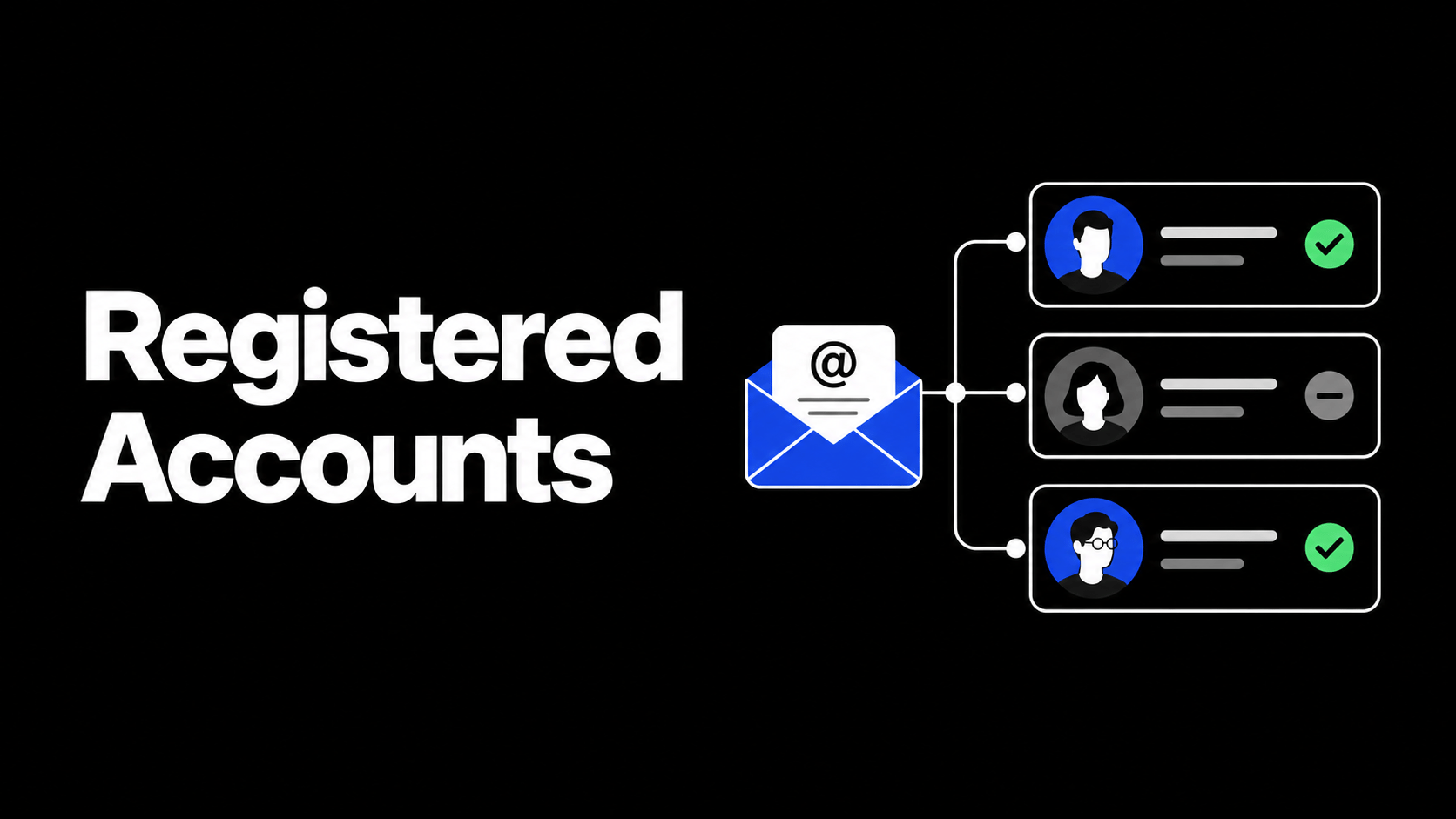
Registered Accounts is the part of an email search that shows where an address is signed up. We rebuilt it. The panel now groups services by category, marks each one as registered or not found, adds filters, and gives you a deletion guide for every service we check. Here is what changed and how to use it.
When you search an email address, the Registered Accounts panel checks the address against more than 300 services and shows the result as a grid of service cards. Each card has the service logo, its domain, and a status: Registered when the service recognizes the address, or Not Found when it does not.
Cards are grouped into sections such as Education, News and Media, Shopping, Developer Tools, Gaming, and CRM. A long list of services now reads as a few labeled groups instead of one flat column, so you can see coverage at a glance.
By default the panel shows the services where the address is registered. Use the filters to bring in not-found results, or to focus on a single state. You can switch between the grouped view and a plain list, and your choice is remembered in the browser for the next search.
Finding an account is half of the work. Click any service card to open its deletion guide. The guide explains how to close or remove the account on that service, rates how hard the removal is as Easy, Medium, Hard, or Impossible, and links to the service's deletion page when one exists, or to the site otherwise.
This turns a presence check into something you can act on. If you are cleaning up your own footprint, you can see which accounts are quick to delete and which ones need a support request. If you are running an investigation, the difficulty rating is a fast signal of how exposed an address is across easy-to-leave and hard-to-leave services.
The checks now run on Osintly's own engine instead of an external project. That means broader coverage, more consistent results, and a panel that fills in as each service responds. We maintain the service list, logos, descriptions, categories, and deletion guides ourselves, so coverage and accuracy keep improving without waiting on a third party.
Registered Accounts works on email addresses. A Registered result means the service recognizes the address during sign-up, login, or password-reset probing. It is a presence signal, not proof that someone actively uses the account, and not access to the account or its contents.
A Not Found result means the service did not recognize the address at check time. Some services block automated checks or change their behavior, so treat both states as leads with context rather than final verdicts. We never log in to an account or read private data.
Deletion guides are informational. The exact steps, options, and difficulty can change on the service side, so confirm the current process on the service before you rely on it.
Run an email search from the Search page and open the Registered Accounts panel. Use the category groups to scan coverage, filter to found or not-found as needed, and click a service to see how to leave it.
Announcements
Explore Domain and IP Intelligence, free search previews, organization workspaces, shared history, and updated Personal and API plans.
Announcements
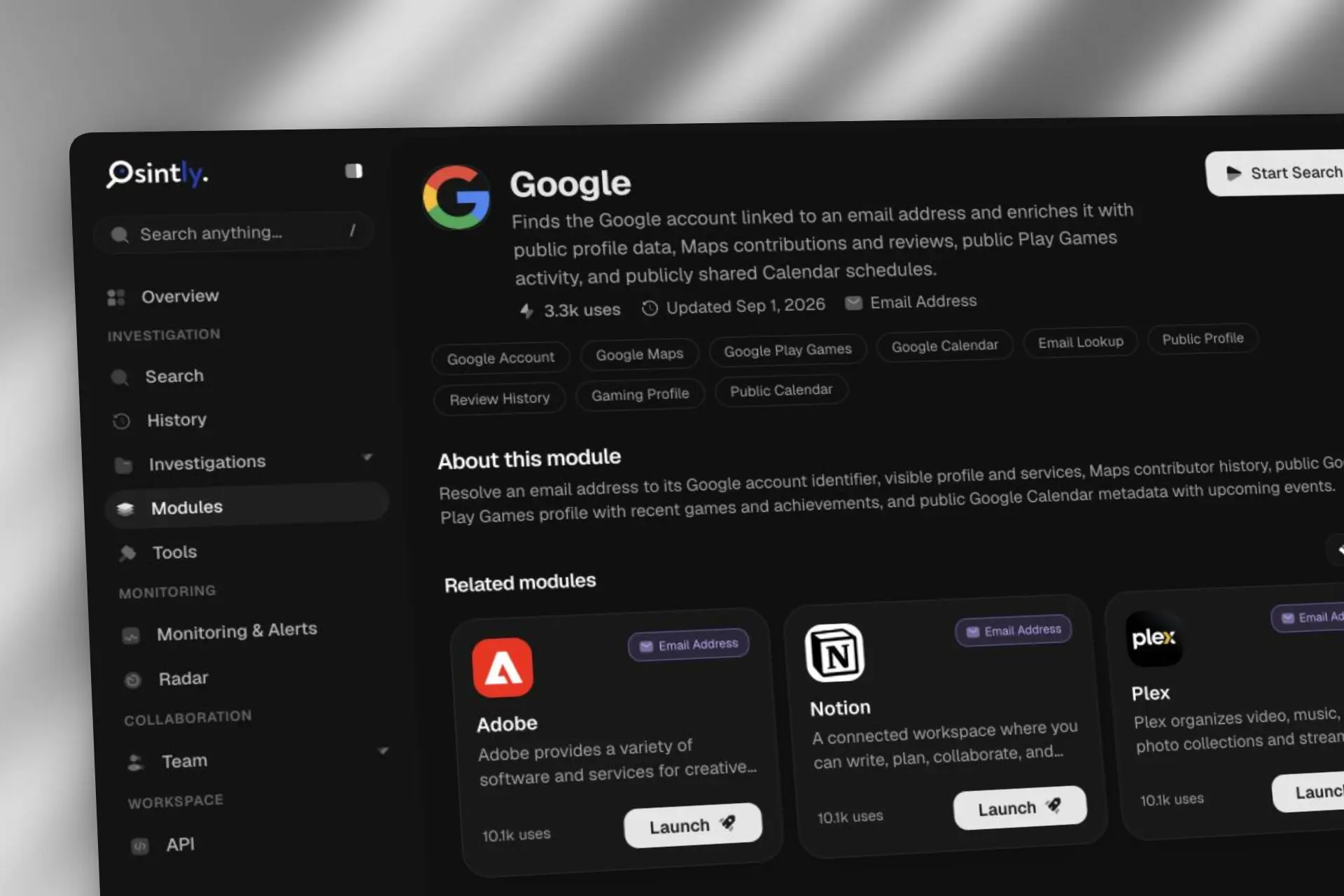
Osintly now offers more than 50 published email OSINT modules. See how Google, Flickr, Garmin Connect, Microsoft Teams, NPM, and more enrich an email address.

Announcements
Fetch domain logos as images via a simple GET request. No auth, CORS enabled, served from the edge.

Announcements
We are sharing an honest look at the infrastructure behind the platform, how we got here, the choices we made, and what we learned along the way.
1,550+ ready-to-use OSINT modules covering people, companies, domains, emails, and more.
Everything you need to integrate Osintly into your workflow, from quick start to advanced APIs.
Connect with thousands of OSINT investigators. Share techniques, ask questions, collaborate.
Tutorials, case studies, and insights from our team of open source intelligence specialists.
1,550+ OSINT modules. AI analyst built-in. Real-time data. Everything you need in one place.