Announcements
Crypto payments are back on Osintly
Pay for Osintly in crypto again with CoinGate: personal plans for 1, 3 or 6 months, API plans with add-ons, credit packs, and an invoice for every payment.
By OsintlyRead
You can now use Osintly from ChatGPT, Claude and Codex. Connect your Osintly account once, and the assistant runs lookups and full searches for you during a conversation, with your plan, your limits and your credits.
Ask it to investigate a username, check a domain or look at the latest breaches. It calls Osintly, follows the search live and explains what it found. Every result is saved in your Osintly history, like a search made on the website.
The integration is an MCP server, the standard way AI assistants connect to outside tools. Osintly's server URL is:
https://mcp.osint.ly/mcpWhen you add it to an assistant, you sign in on osint.ly and approve the connection in two steps:
1. Choose a workspace. Your Personal workspace or an organization you belong to. The assistant uses that workspace's plan, limits and credits.
2. Review access. The page lists what the assistant will be able to do: read your workspace, run focused tools and start full searches.
The assistant never sees your password. Nothing is billed separately.
Full searches. Pseudonyms, emails, IP addresses, domains and crypto wallets. The search appears as a result card in the conversation: modules report back one by one, then the assistant presents the accounts it found, the details worth checking and suggested follow-ups. Open the full report on osint.ly in one click.
Focused lookups. IP and domain intelligence, web archives, gaming and platform accounts, and vehicles. These count toward the same tool limits as on the website.
Radar. Browse publicly disclosed data breaches and read their details.
Follow-ups and comparisons. The assistant can suggest the next lookup from what a search found, and compare two searches to show the identifiers they have in common.
A few prompts to start with:
A full search uses 1 credit, like on the website. A search you ask for runs right away, and the assistant tells you a credit was used. A search the assistant suggests on its own, for example on a new username it found, needs your confirmation first. A target searched in the last 7 days is reopened for free.
You can also cap what each app spends. In Settings → Connected apps, pick a daily limit per app: 1, 5, 10, 25, 50 or 100 credits, or no limit. The same page shows what each app has used and lets you disconnect it at any time.
Organization owners and admins can turn assistants off for the whole organization. That disconnects every app bound to it at once.
Assistants are included in the Standard, Pro and Ultimate plans. Each plan sets how many apps one workspace can connect at the same time:
| Plan | Apps per workspace |
|---|---|
| Free | Not available |
| Standard | 1 |
| Pro | 3 |
| Ultimate | 10 |
ChatGPT, Claude and Codex each count as one app. Reconnecting an app you already use does not take a new slot.
In ChatGPT, custom MCP servers are added from the web app, and your ChatGPT plan or workspace has to allow them. Claude adds Osintly as a custom connector. In Codex, install the Osintly Assistant plugin or add the server from the CLI.
Some things remain on the website on purpose:
A connection is for interactive use in a conversation. It is not an API. To call Osintly from code, use the Search API or the Tools API.
Copy the server URL from Settings → Connected apps on osint.ly, then follow the setup guide for ChatGPT, Claude or Codex. If your workspace is on the Free plan, see pricing.
Announcements
Pay for Osintly in crypto again with CoinGate: personal plans for 1, 3 or 6 months, API plans with add-ons, credit packs, and an invoice for every payment.
Announcements
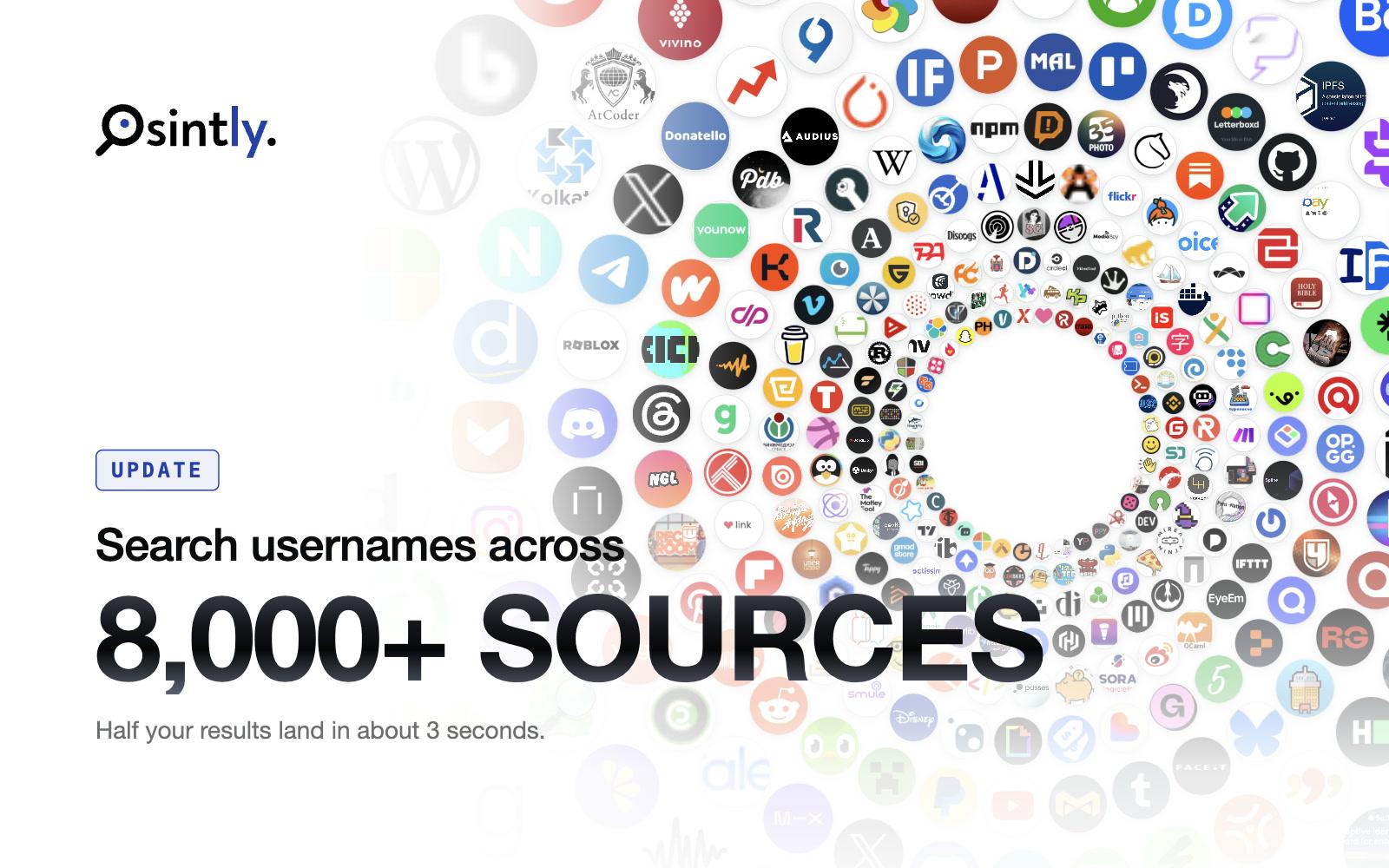
Osintly username search now checks 8,000+ sources, with 5,500+ new modules across Mastodon, PeerTube, Lemmy, Pixelfed and forums, and faster searches.
Announcements
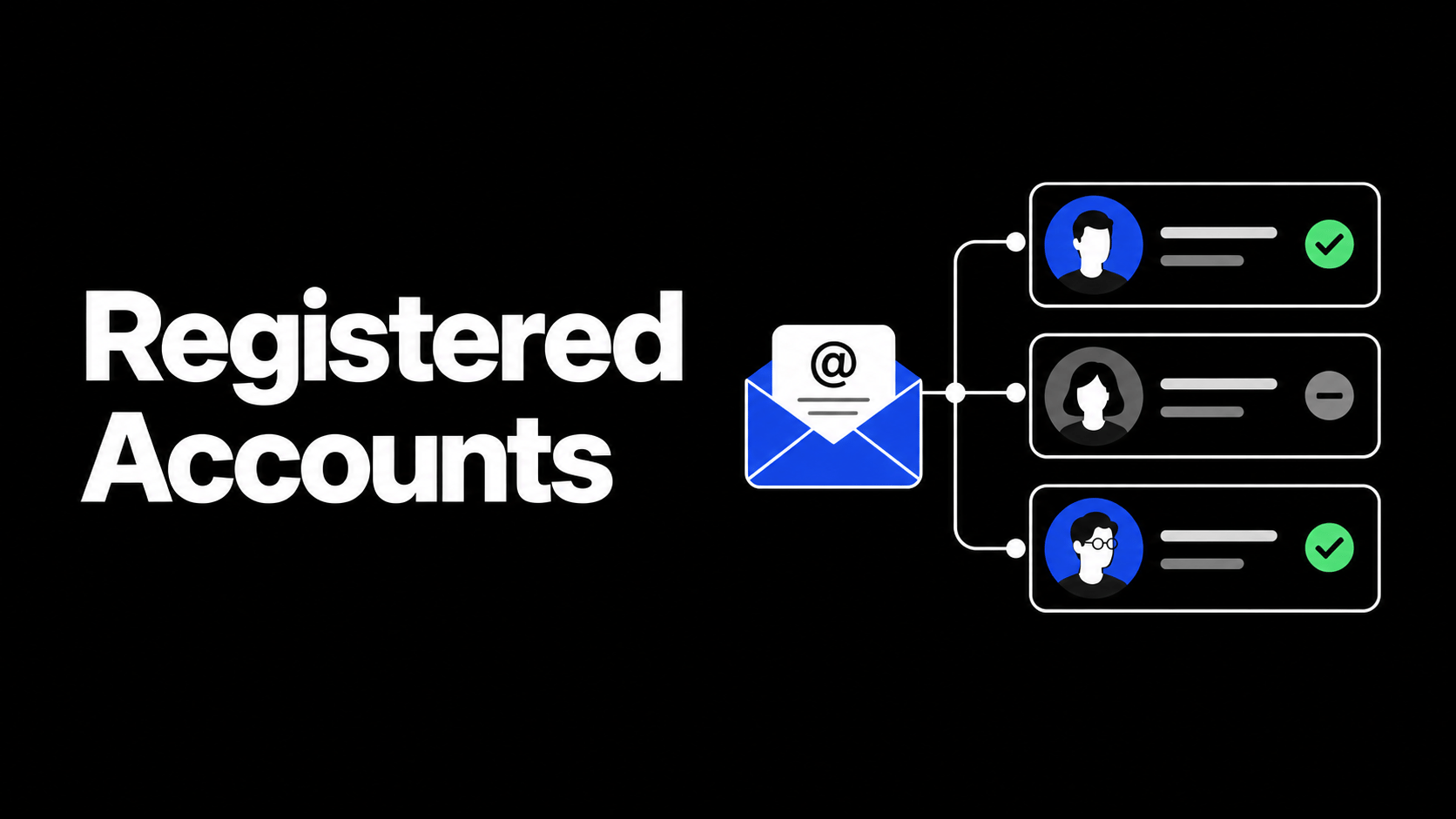
Registered Accounts now groups services by category, shows clear registered or not-found statuses, adds filters, and includes a deletion guide for every service we check.

Announcements
Explore Domain and IP Intelligence, free search previews, organization workspaces, shared history, and updated Personal and API plans.
1,550+ ready-to-use OSINT modules covering people, companies, domains, emails, and more.
Everything you need to integrate Osintly into your workflow, from quick start to advanced APIs.
Connect with thousands of OSINT investigators. Share techniques, ask questions, collaborate.
Tutorials, case studies, and insights from our team of open source intelligence specialists.
1,550+ OSINT modules. AI analyst built-in. Real-time data. Everything you need in one place.