Articles
Is osint.rocks closed? Free Osintly alternatives
osint.rocks says it is taking a break. Try Osintly's free username and email search previews, plus a free Google OSINT alternative to GHunt.
By OsintlyRead
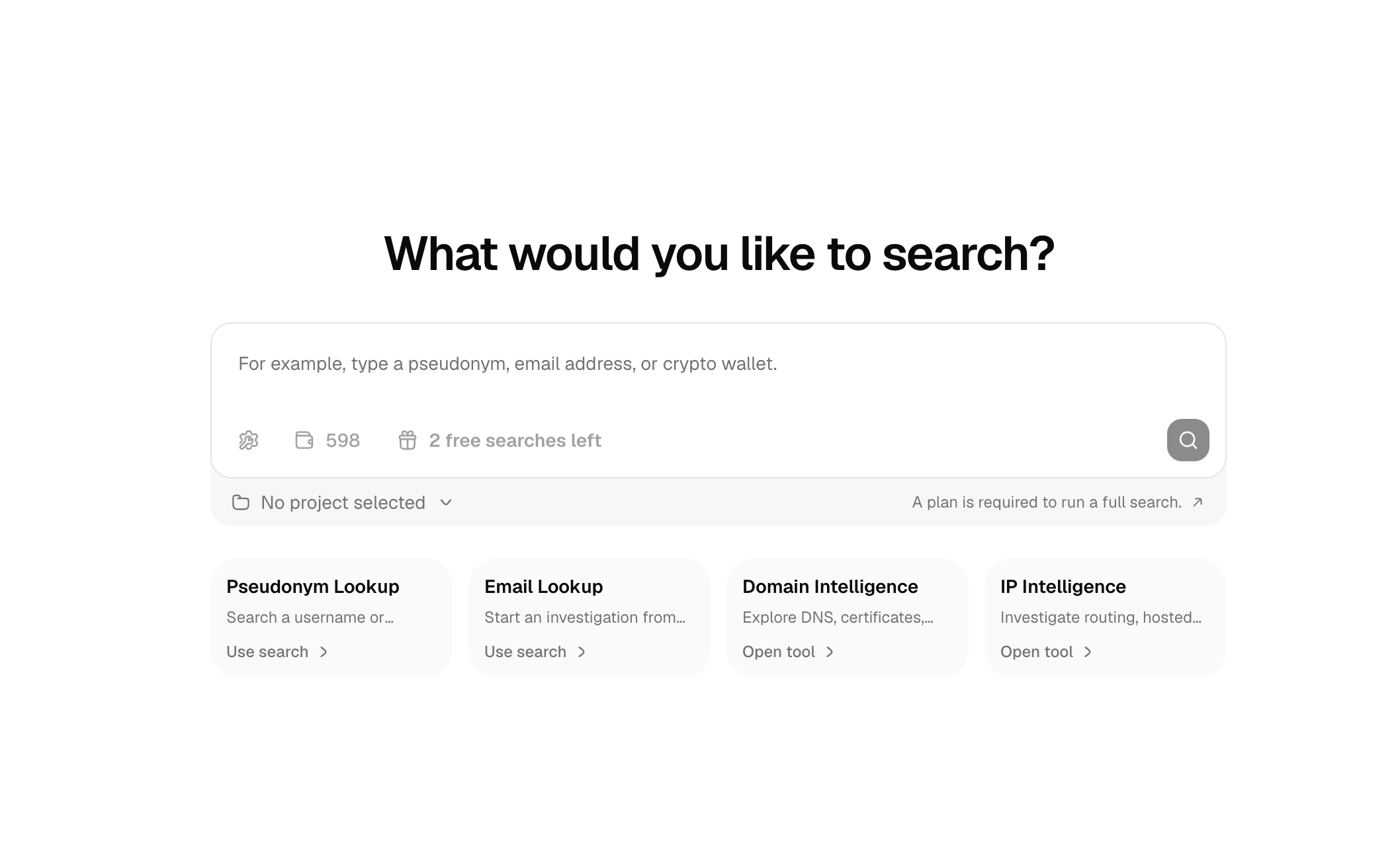
A useful OSINT search starts with a lead you can test. On Osintly Search, you can run a limited free OSINT search for a username or email address without creating an account. It gives you a first look at available signals before you decide whether the lead needs a full investigation.
A username is a good starting point when you have a handle from a public profile, forum post, or marketplace listing. An email address can help you check account and breach signals associated with that address. Enter the identifier exactly as you found it, then review the input type Osintly detects. You can change the type if needed.
To run a preview:
1. Open osint.ly/search.
2. Enter a pseudonym or full email address.
3. Select Run free preview and complete the human-verification step.
4. Review the limited results while the preview is available.
You can do this as a guest. A signed-in user without an active app subscription can use the same preview flow. The free search preview guide has the current eligibility rules and step-by-step instructions.
The preview can show a limited selection of module cards and summaries of account or breach signals. That is enough to decide whether a lead is worth a closer look, but it is not a complete account inventory or a full breach report. The sources and cards available depend on the identifier and what the providers return.
For example, you might start with a username and find a possible account match. Compare the handle, profile context, and source before treating it as the same person. Common usernames are reused by unrelated people. An email preview may surface an account or breach summary; verify the underlying context before drawing a conclusion about exposure.
Osintly prefers cached preview results when they are available. A result may have been collected during an earlier search, so it might not reflect a recent profile change or a new breach. A missing result is not proof that an account or record does not exist. See Reading results for more on interpreting source cards and summaries.
The preview is deliberately narrow. It does not include raw leak datasets, full result details, exports, or AI analysis. It also is not saved to your account's search history. Its link works for 15 minutes in the same browser session.
If you need to keep evidence, revisit a result later, or inspect the full set of available cards, run a full search with an eligible app subscription. Full searches stream provider results, save the investigation to the selected workspace, and cost one app credit per new search. Reopening a saved result does not spend another credit. The OSINT Search guide explains the full workflow, while Credits explained covers what uses a credit.
Guest previews allow 2 searches in a rolling hour and 3 in a rolling 24-hour period per IP address. Signed-in accounts have the same per-account limits, even if the IP address changes. A shared network limit of 6 per hour and 12 per 24 hours also applies to signed-in use. Service-wide capacity can reduce availability.
The Search page shows your remaining allowance. If you reach a limit, the response provides a retry delay. Free previews use this separate quota and do not deduct app credits. For the exact rules, check the free search preview documentation.
The free Search preview accepts pseudonyms and email addresses only. For infrastructure leads, use Domain Intelligence or IP Intelligence. These are dedicated tools with their own access and usage rules.
The website preview is also separate from the public Search API. The Free API plan currently provides authenticated Radar access; it does not include full Search API or Tools API execution. If you are building an integration, start with API plans and capacity.
Use a free preview to check whether a username or email lead produces useful signals. If it does, decide which sources and details you need, then compare the Personal, Organization, and API options for the work you plan to do. Handle personal information lawfully and verify findings against their sources before sharing them.
Articles
osint.rocks says it is taking a break. Try Osintly's free username and email search previews, plus a free Google OSINT alternative to GHunt.
Articles
Share investigations, results, credits, and alerts with your team. See how Osintly organizations handle access, SSO, exports, billing, and research capacity.
Articles
Follow the full Osintly organization setup, then see how members, SSO, shared searches, history, credits, billing, and API access work.
Articles
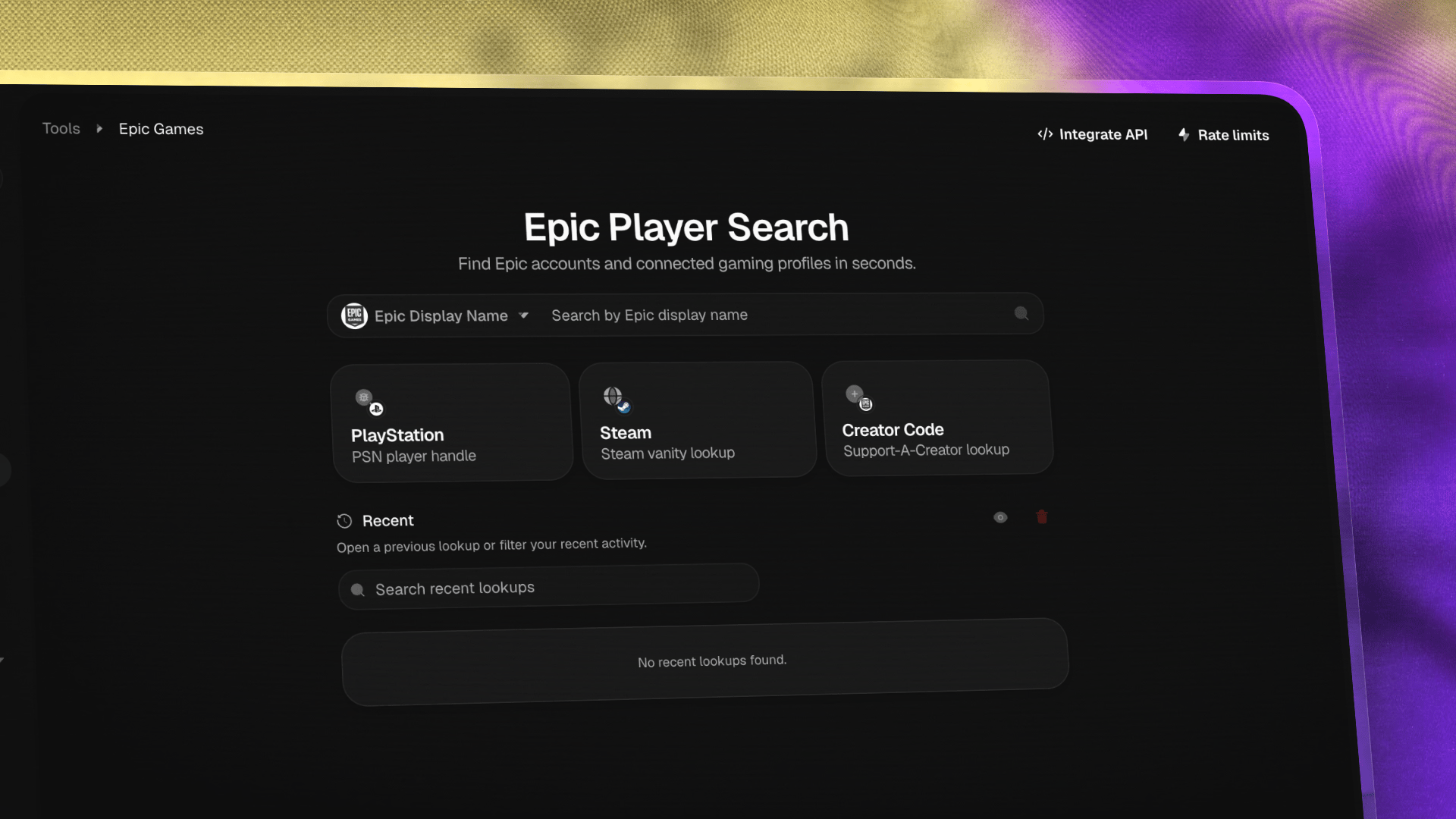
Search Epic Games identities, resolve account IDs, and investigate linked gaming accounts with a hosted tool and developer API.
1,550+ ready-to-use OSINT modules covering people, companies, domains, emails, and more.
Everything you need to integrate Osintly into your workflow, from quick start to advanced APIs.
Connect with thousands of OSINT investigators. Share techniques, ask questions, collaborate.
Tutorials, case studies, and insights from our team of open source intelligence specialists.
1,550+ OSINT modules. AI analyst built-in. Real-time data. Everything you need in one place.